Digital Product LabDigital Product Lab
AvailableDesign / Architecture / AI Prompt PackArchitecture & Rendering

Architecture AI Render & Presentation Kit

A studio-ready prompt and presentation system for turning concepts, references, and design intent into clearer AI-assisted visuals and client-facing boards.

$89One-time purchase
What it is

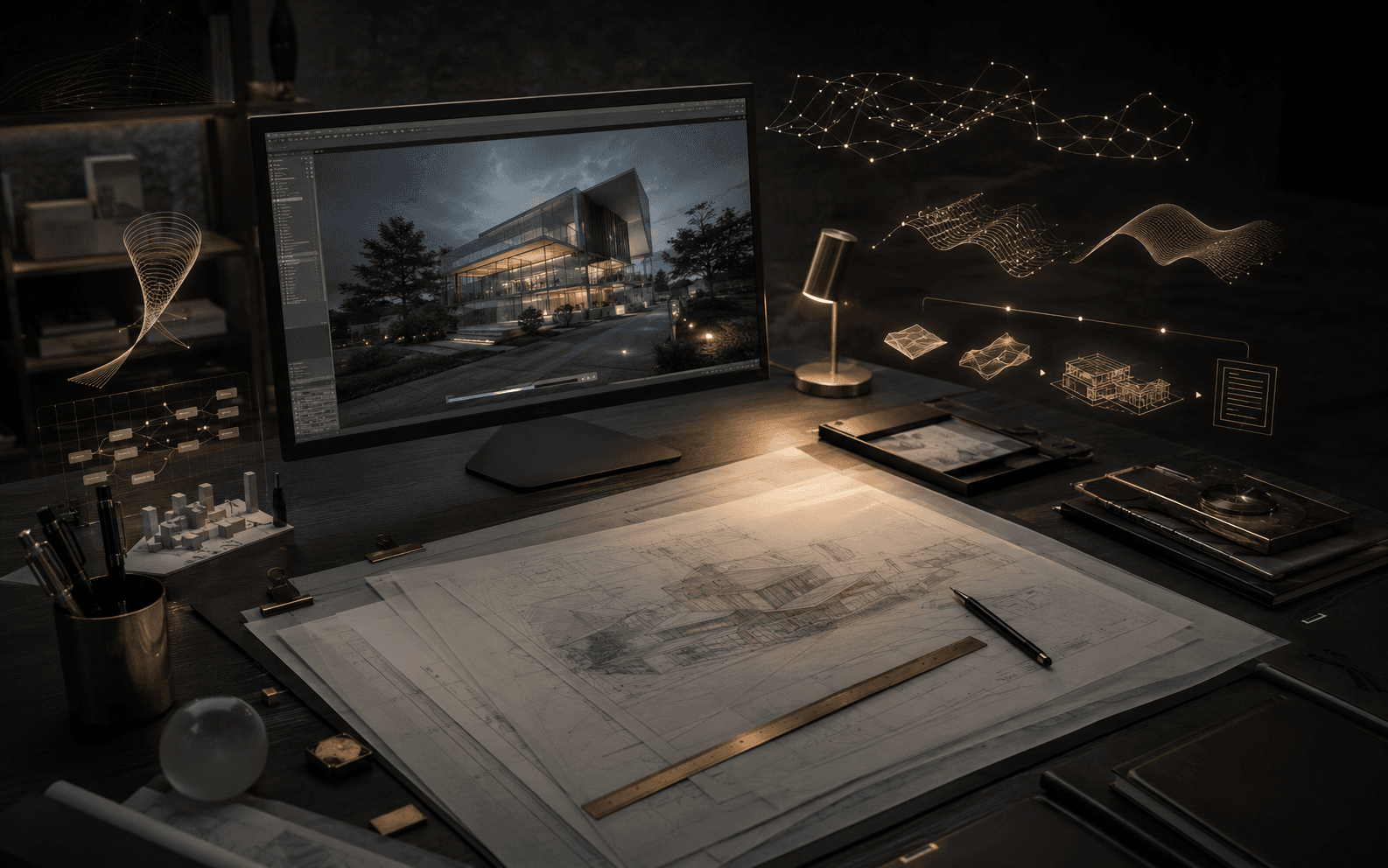
The Architecture AI Render & Presentation Kit gives architects and designers a structured way to move from references, design intent, and rough concepts into clearer AI-assisted visuals.

The kit gives structure to render direction, materials, lighting, camera language, refinement, and presentation flow.

It supports concept and client-facing presentation work without replacing professional design judgment.

Who it is for

Architects, interior designers, architecture students, visualization artists, product designers, and creative studios who use AI visuals as part of a professional concept or presentation workflow.

What it helps with
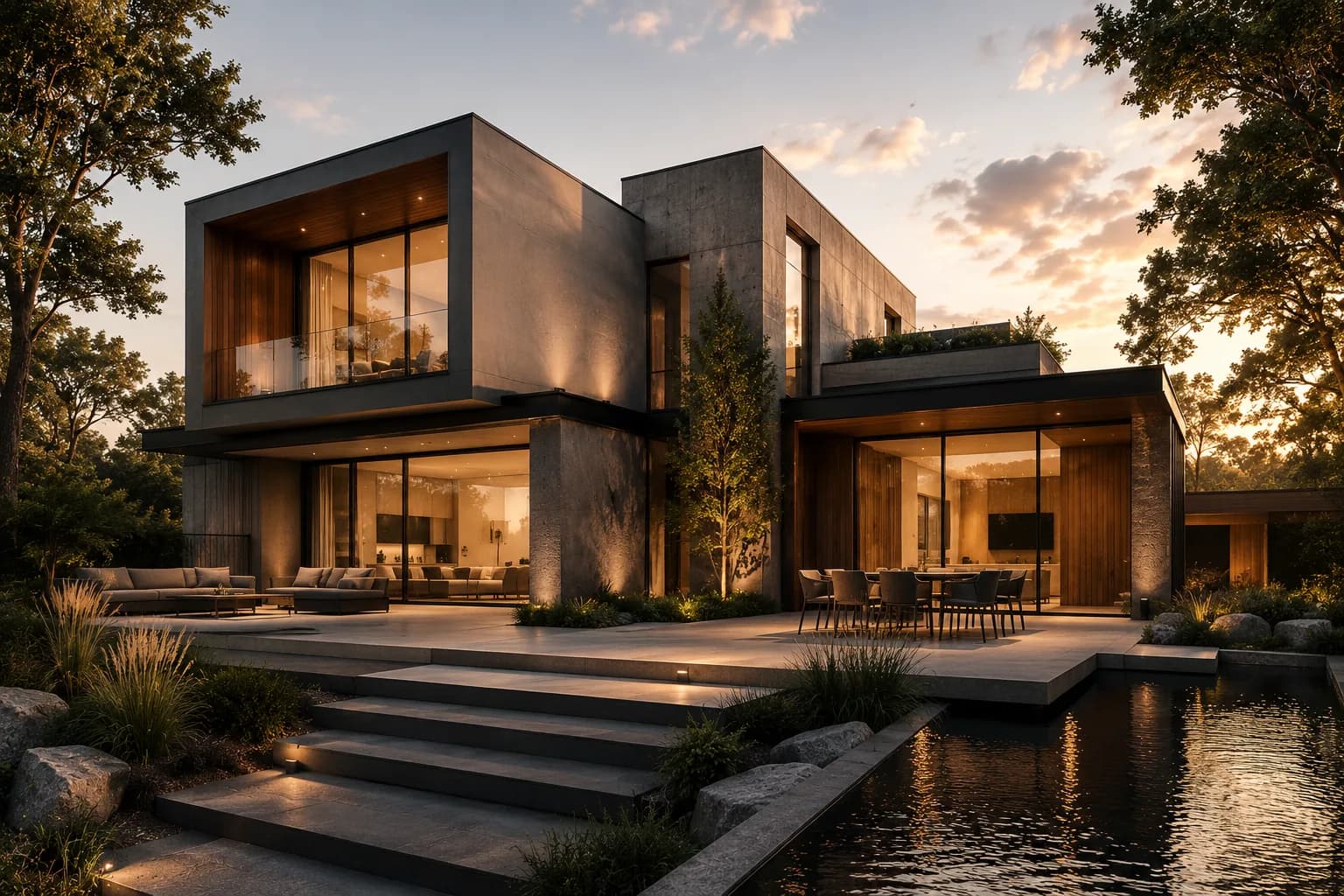
  • Turning a design direction into stronger AI-assisted render prompts

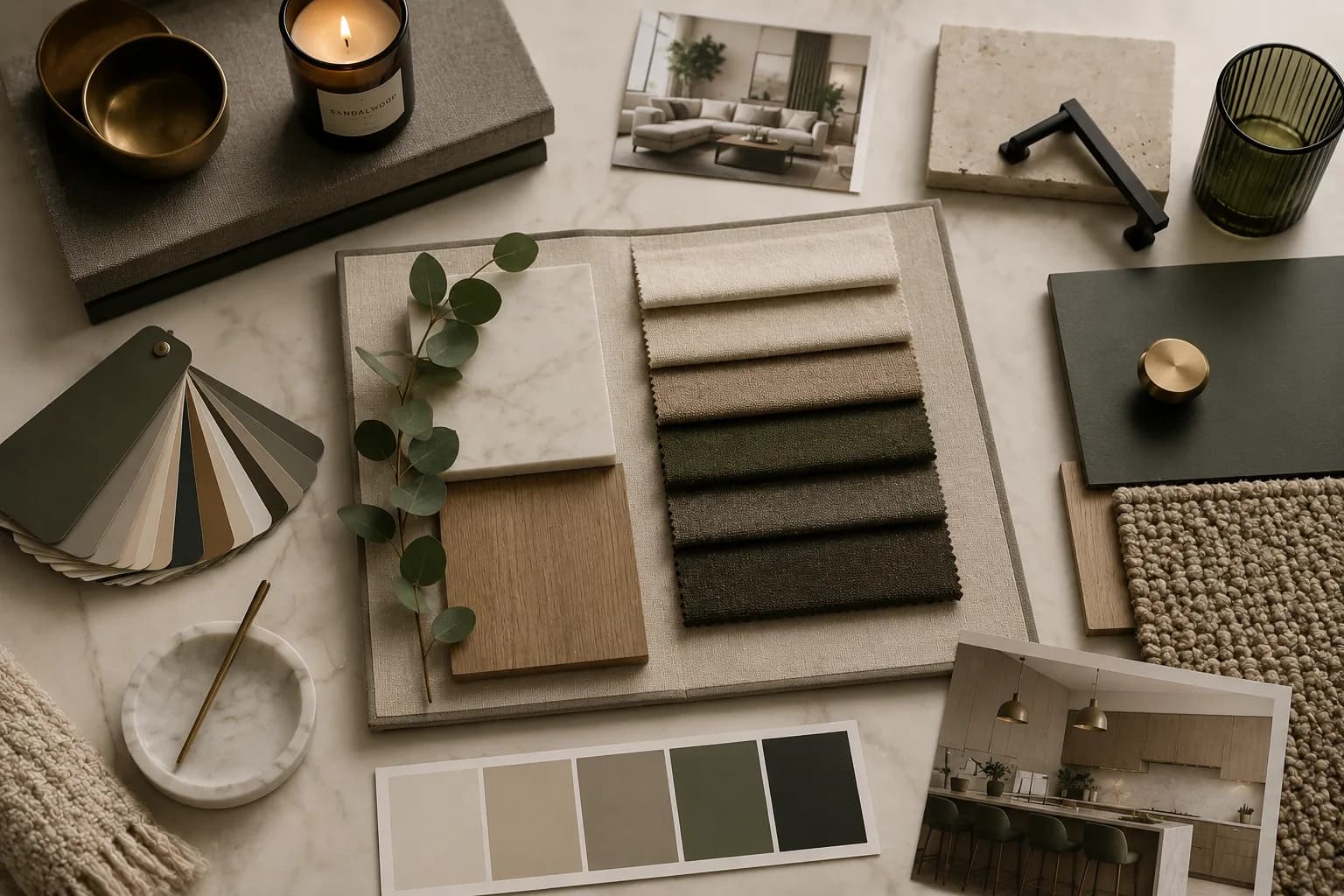
  • Building refined interior moodboards with clearer material and lighting language

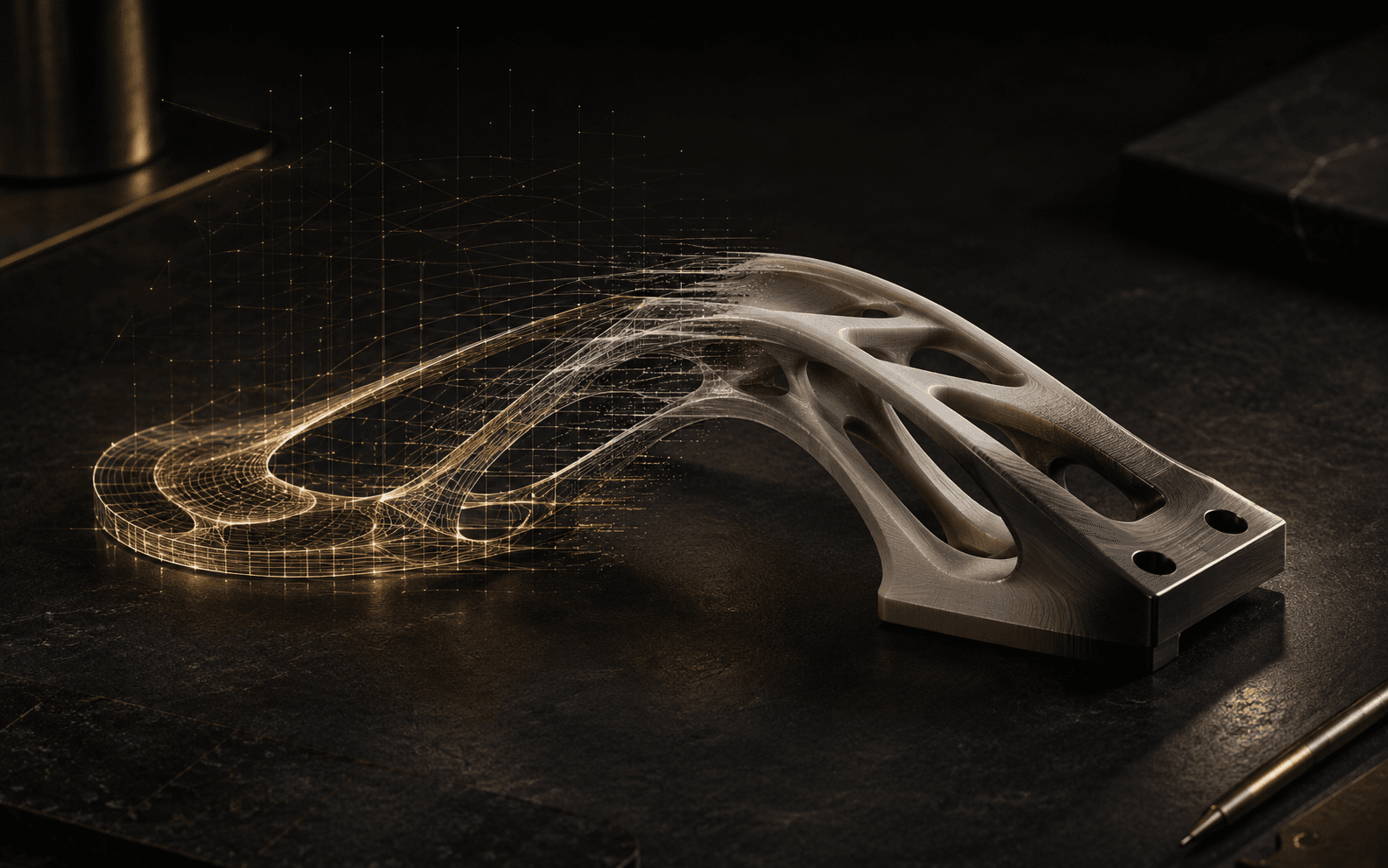
  • Creating product or furniture visual directions for presentation boards

  • Writing client-facing presentation narratives around generated visuals

  • Refining prompts without losing design intent

What's inside
  • Render prompt frameworks for exterior, interior, object, and material studies

  • Client presentation structure prompts

  • Moodboard-to-render translation prompts

  • Design refinement checklist

  • Visual consistency system

  • Prompt editing patterns

  • Common failure fixes

  • Board and storytelling sequence templates

Preview samples

See the kind of system you are buying.

These are honest structure previews, not claimed screenshots of the final files. They show the kind of pages and decision prompts the kit is built around.

Kit structure sampleSample

Prompt Framework Sample

Turns project intent into reusable prompt variables before you open an image model.

  • Project type, mood, and design intent
  • Camera, lens, and composition controls
  • Material language and atmosphere notes
  • Negative constraints for clutter and scale drift
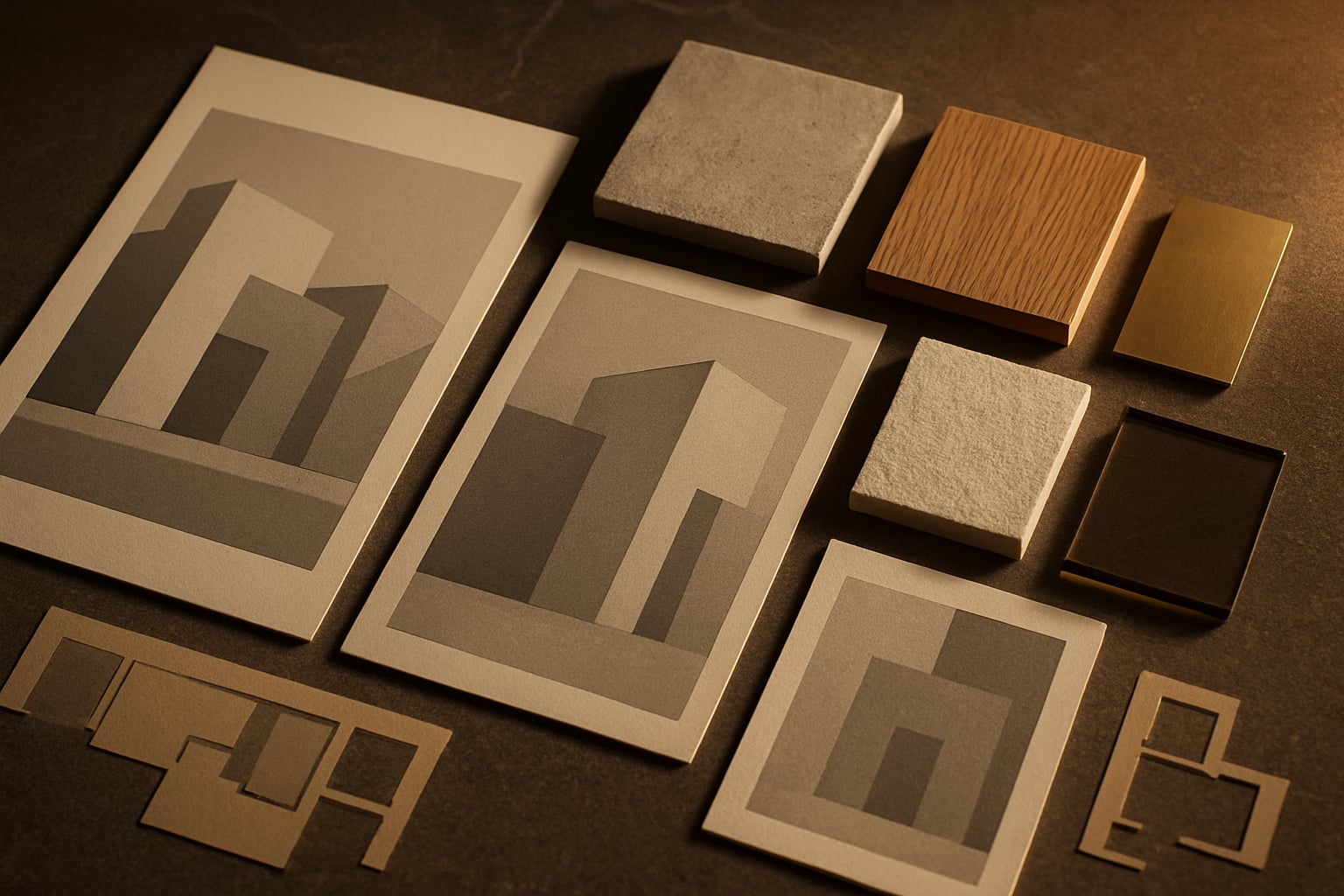
Preview sampleSample

Render Direction Sheet

Converts references, sketches, and moodboards into a clearer render brief.

  • Lighting mood and time of day
  • Reference translation notes
  • Material and detail hierarchy
  • Output review prompts
Kit structure sampleSample

Client Presentation Sequence

Shows how AI-assisted images can be ordered into a client-facing visual argument.

  • Opening visual thesis
  • Hero render plus support views
  • Detail and material proof points
  • Client takeaway board logic
Preview sampleSample

Moodboard-to-Render Translation

Helps translate material palettes, references, and atmosphere into prompt-ready direction.

  • Moodboard reading checklist
  • Color and surface translation
  • Interior atmosphere cues
  • Furniture and object visual language
Preview sampleSample

Refinement Checklist

Gives a quality pass for judging whether an image is ready to keep refining.

  • Scale, proportion, and perspective checks
  • Material consistency review
  • Composition noise cleanup
  • Presentation-readiness questions
Kit structure sampleSample

Common AI Render Failure Fixes

Names common visual problems and points the next iteration in a more controlled direction.

  • Over-stylized render correction
  • Broken geometry and furniture fixes
  • Lighting mismatch notes
  • Prompt tightening patterns
Workflow proof

From random prompts to repeatable output

The kit helps architects move from rough design intent, references, and moodboards into more controlled AI-assisted images and client-facing presentation sequences. It gives the process a repeatable structure without promising one-click perfect renders.

01

Define intent

Start from the design goal, audience, atmosphere, references, material language, and what the image needs to communicate.

02

Direct the AI output

Use structured prompt fields to control camera, lighting, composition, surface treatment, scale, and unwanted artifacts.

03

Refine into presentation-ready visuals

Review the image against architecture-specific criteria, then tighten the next prompt or place the output into a clearer client sequence.

Trust details

Useful, honest, and built for iteration.

Built for studio use

Made for architects, designers, students, and small studios that need a clearer way to brief and review AI-assisted visual output.

Useful across visual studies

Designed for concept renders, interior studies, furniture and product visuals, moodboards, and presentation boards.

Judgment still matters

The kit does not replace professional judgment, design authorship, technical review, material knowledge, or client decision-making.

Iteration is part of the method

Best results come from clear references, constraints, prompt revision, and careful review of each generated image.

What you receive

Concrete kit pieces, not vague AI advice.

  • PDF guide or product document

  • Prompt systems for render direction and image refinement

  • Checklist pages for review, quality control, and common failure checks

  • Workflow structures for moving from moodboard or reference to render brief

  • Presentation sequence logic for arranging visuals into client-facing boards

  • Refinement and failure-fix guide for scale, lighting, material, and composition issues

Visual preview
Workflow steps
  1. 01

    Choose the visual direction for the space, object, material mood, or presentation goal.

  2. 02

    Use the prompt framework to turn that direction into a structured AI image prompt.

  3. 03

    Refine material, lighting, camera, composition, and atmosphere one variable at a time.

  4. 04

    Build a presentation sequence around the strongest visuals and the design narrative.

  5. 05

    Export or present the result through your usual design, board, deck, or client workflow.

Use cases
  • Concept render direction

  • Interior moodboard translation

  • Furniture and product visualization

  • Client presentation boards

  • Design-option comparison

  • Social and media visuals for architecture studios

Key features
  • Render direction frameworks for exterior, interior, object, and material studies

  • Moodboard-to-render translation prompts

  • Client presentation sequence prompts

  • Visual storytelling structure for concept-to-deliverable boards

  • Prompt editing patterns for cleaner iterations

  • Common failure-fix checklist for AI image outputs

Honest limitations
  • AI output depends on the model used, reference quality, and prompt interpretation.

  • Prompts may need refinement before the visual direction feels polished or consistent.

  • Results still require design judgment, technical review, and professional taste.

  • This is not a replacement for professional architectural work, documentation, or code compliance.

Trust and licensing

License

Use the prompts and presentation structures for your own design work and client projects. Do not resell or redistribute the kit as a standalone product.

Refund policy

Checkout, access, and refund handling follow the active Whop product terms.

Questions

Frequently asked.

Is this for beginners?

Yes. The kit is structured so beginners can follow the prompt frameworks, while experienced designers can use the same structure to move faster and create more consistent directions.

Is this only for architects?

No. It is useful for architects, interior designers, architecture students, visualization artists, product designers, and creative studios working with design visuals.

Does it work with Midjourney, ChatGPT, or image tools?

The prompts are written as adaptable structures for common AI writing and image workflows. You may need to adjust syntax, aspect ratios, or model-specific settings for your preferred tool.

Do I need design experience?

Design experience helps you judge quality, but the kit is meant to make the prompting and presentation process clearer even if you are still learning.

Is it instant access?

Yes. The main access path is the active Whop checkout linked from this page.

Where do I access it?

Checkout and product access are handled through Whop. DPLab provides the public product overview and preview.

Can I use it for client work?

Yes, the prompt structures can support your own design work and client presentations. You should still review all results and follow your professional obligations.

Do you guarantee specific render results?

No. AI image output depends on the model, prompt interpretation, references, and iteration. The kit improves structure and direction; it does not guarantee perfect renders, client approval, or sales.

Custom work

Need this built for your practice?

Need the render and presentation workflow built for your software stack, project types, and client format? Send a message and Ramy replies directly.

Available on Whop

Ready to stop prompting randomly?

Use the Architecture AI Render & Presentation Kit to build a clearer visual workflow for render direction, moodboards, and client presentation output.

Gumroad and native DPLab checkout may be added later.
Get Access on Whop